Navigate to the “Draft & Scheduled” section of “Issues”
-
Find the issue you would like to edit and click the pencil icon
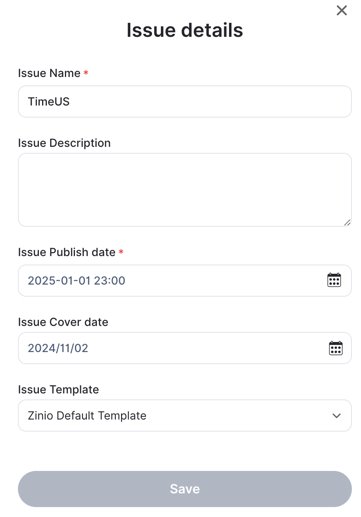
Change the “Issue Publish date” 
Then, select the date and time of choice via the calendar
Click on the “Apply” button
Click on the “Save” button

Comments
0 comments
Article is closed for comments.